This post contains affiliate links. As an Amazon Associate, I earn from qualifying purchases. Additionally, as an Etsy affiliate, I may earn from qualifying purchases made through Etsy links.
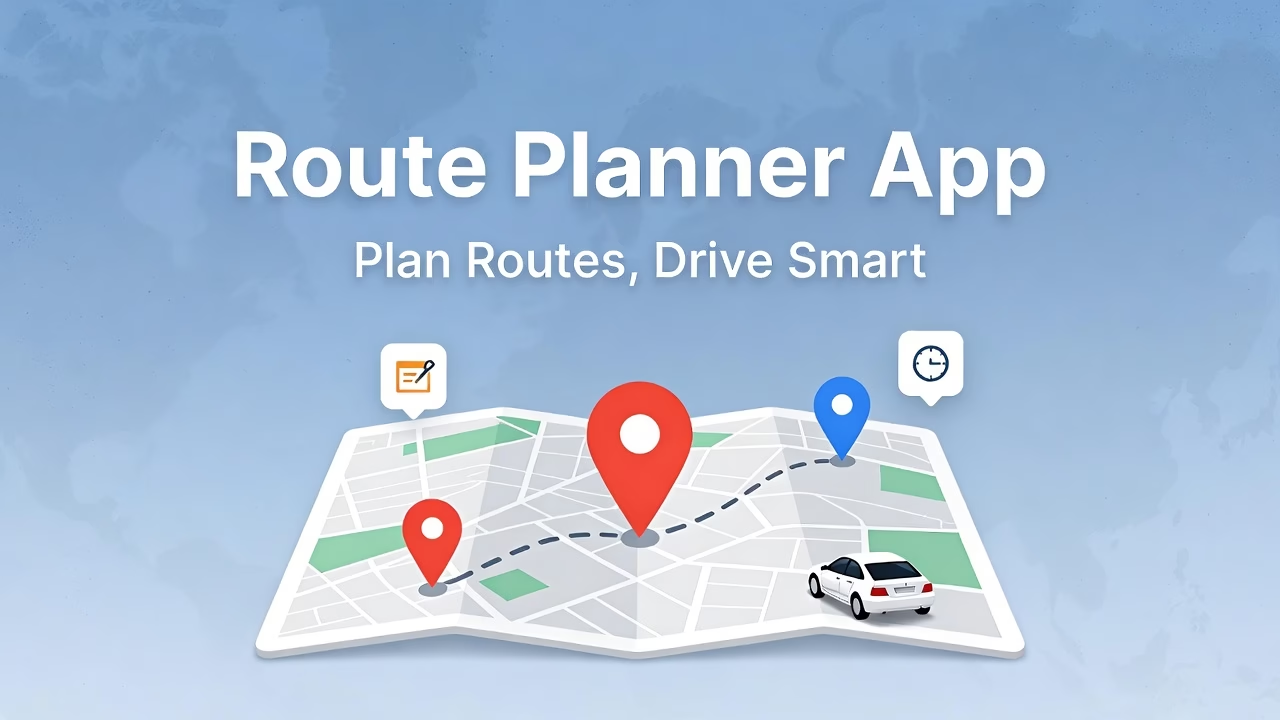
Managing a farm or small agricultural business is already a full-time job. Add multiple deliveries, market visits, or supplier trips, and your day can become overwhelming. Thankfully, technology like the Route Planner App can help farmers, sellers, and homesteaders plan their routes efficiently, save time, and even reduce fuel costs.
Plan Farm Deliveries Without Stress
Whether you are delivering fresh produce to customers, distributing products to local stores, or visiting farmers’ markets, the Route Planner App allows you to enter all your stops in advance. Once your route is set, you can launch navigation directly in Google Maps with just one tap—no typing addresses while on the move.
Benefits for Farmers and Sellers
- Save time by pre-planning multiple stops
- Reduce fuel and travel costs
- Keep produce fresh by avoiding delays
- Take notes for each stop (e.g., quantities to deliver or pick up)
Organize Supplier Runs Efficiently
Farmers often need to shop at multiple suppliers for seeds, fertilizers, or tools. The Route Planner App allows you to pre-enter supplier addresses and optimize your route, ensuring you spend less time driving and more time managing your farm.
Maximize Farmers’ Market Visits
Visiting several markets in a day can be tricky. With the app, you can schedule each market stop, note the items you need to bring, and navigate efficiently. This way, you make the most of each trip without stress or backtracking.
How to Get Started
- Download the Route Planner App from the Google Play Store.
- Enter all your destinations in advance: markets, customers, suppliers.
- Set time durations for each stop if needed.
- Tap the map icon and let the app open Google Maps for instant navigation.
Using a simple tool like this can save hours each week and help you focus on what really matters: growing your farm and managing your business efficiently.
Frequently Asked Questions (FAQs)
Can farmers really save time using a route planner app?
Yes, by pre-entering all delivery and supplier stops, farmers can reduce driving time, avoid unnecessary backtracking, and streamline their daily operations.
Is the Route Planner App only for farmers?
No. While it’s perfect for farmers, the app can also help delivery drivers, small business owners, and anyone who needs to visit multiple locations efficiently.
Do I need an internet connection to use the app?
The app works offline for route planning once addresses are entered, but Google Maps navigation requires an internet connection.
Where can I download the Route Planner App?
You can download it directly from the Google Play Store here: Route Planner App
This post contains affiliate links. As an Amazon Associate, I earn from qualifying purchases. Additionally, as an Etsy affiliate, I may earn from qualifying purchases made through Etsy links.